
Download Font Manager – Font Management, Typography Tool, Design Utility
Overview
Font Manager is a dedicated mobile application designed to simplify the process of organizing and accessing digital fonts on smartphones. Its primary purpose is to provide users with a centralized, visually intuitive platform for managing extensive font collections. The app addresses the common challenge of font clutter and disorganization, especially for designers, content creators, and typographers who frequently switch between typefaces. By offering a clear overview of all installed fonts, Font Manager enables users to preview how text appears in each font style, facilitating faster and more informed selection.
Target users include professionals in graphic design, digital illustration, branding, and social media content creation who rely on typography for visual impact. The app is particularly useful in scenarios where quick font comparison is needed—such as selecting the ideal font for a poster, logo, or social media post. Despite its long-standing presence in the mobile ecosystem since its release on June 30, 2008, Font Manager continues to serve as a reliable utility for font organization. The developer has not provided additional background details, but the app’s enduring functionality suggests a focus on stability and usability over time. It plays a key role in streamlining mobile design workflows by turning a fragmented process into a seamless experience.
Key Features & Functionality
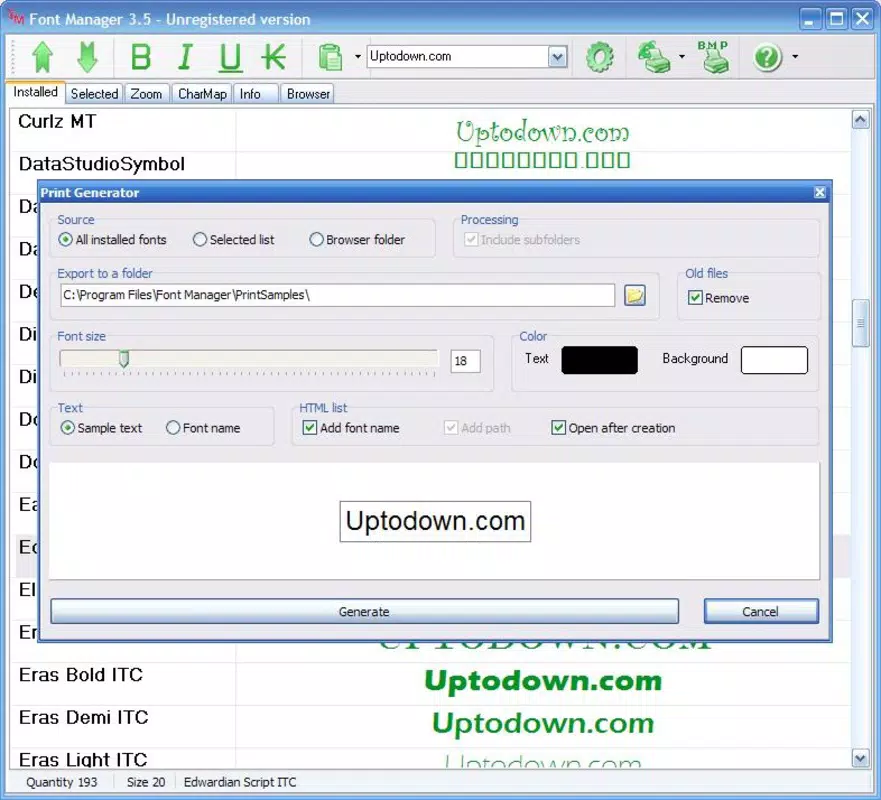
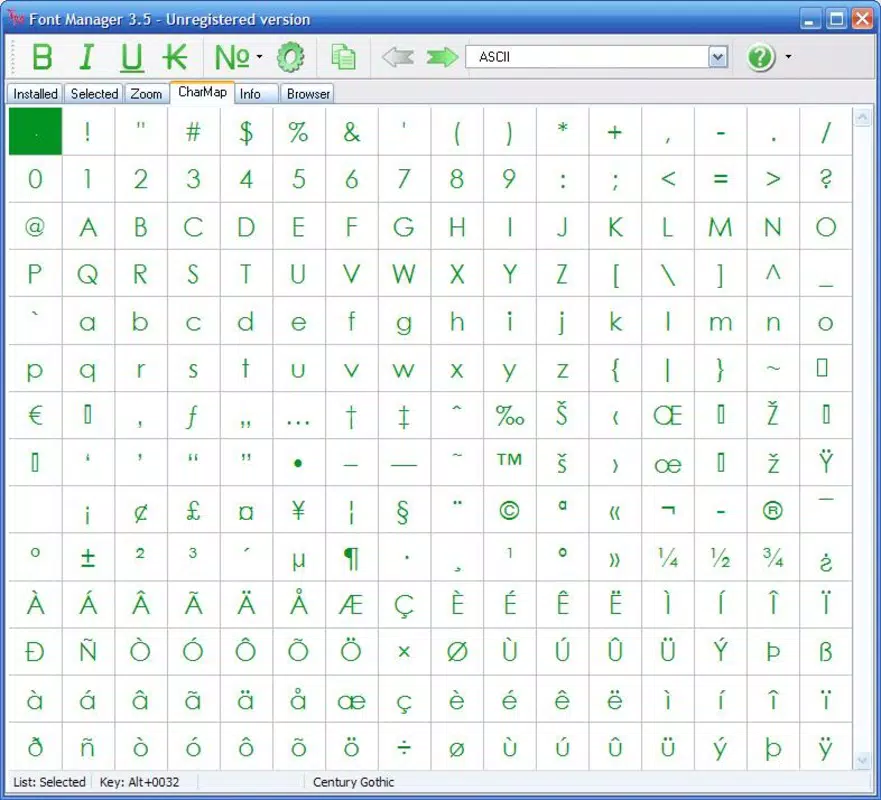
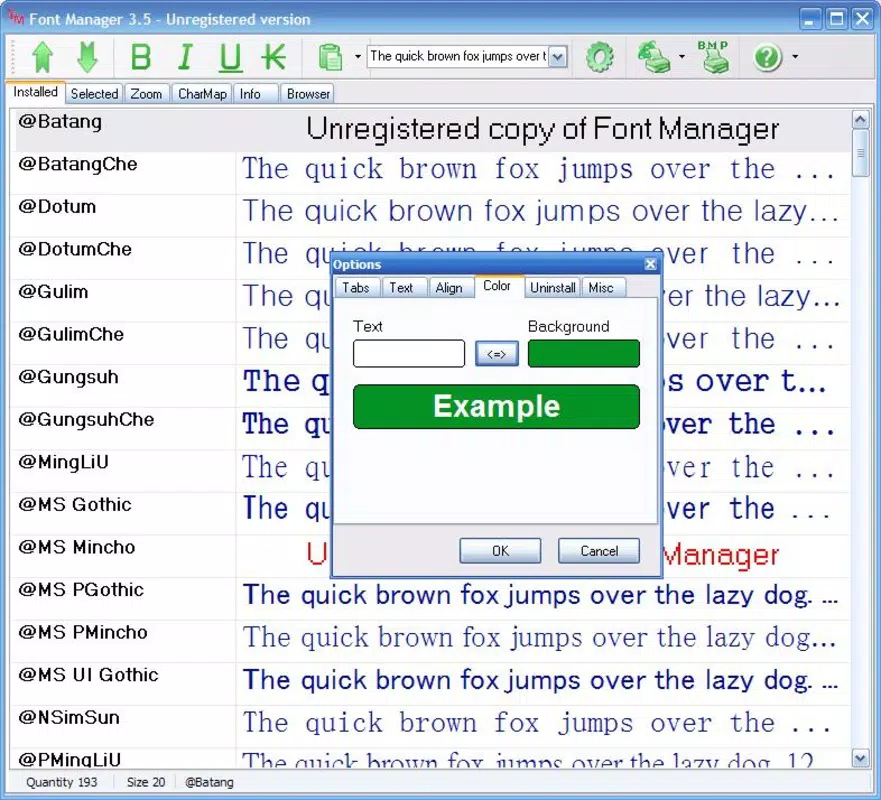
- All Fonts Overview: The app displays every installed font in a single, scrollable interface. Users can type custom text to instantly see how it renders in each font, enabling real-time visual comparison without switching apps.
- Flexible Sorting Options: Fonts can be sorted by name, style, or date of installation. This allows users to quickly locate specific fonts or explore recently added typefaces, improving workflow efficiency.
- User-Friendly Interface: The layout is designed for minimal friction. Navigation is straightforward, with no complex menus or tutorials required, making it accessible even to non-technical users.
- Efficient Font Management: By providing immediate visual feedback and organized categorization, the app reduces the time spent searching for the right font, enhancing productivity during design tasks.
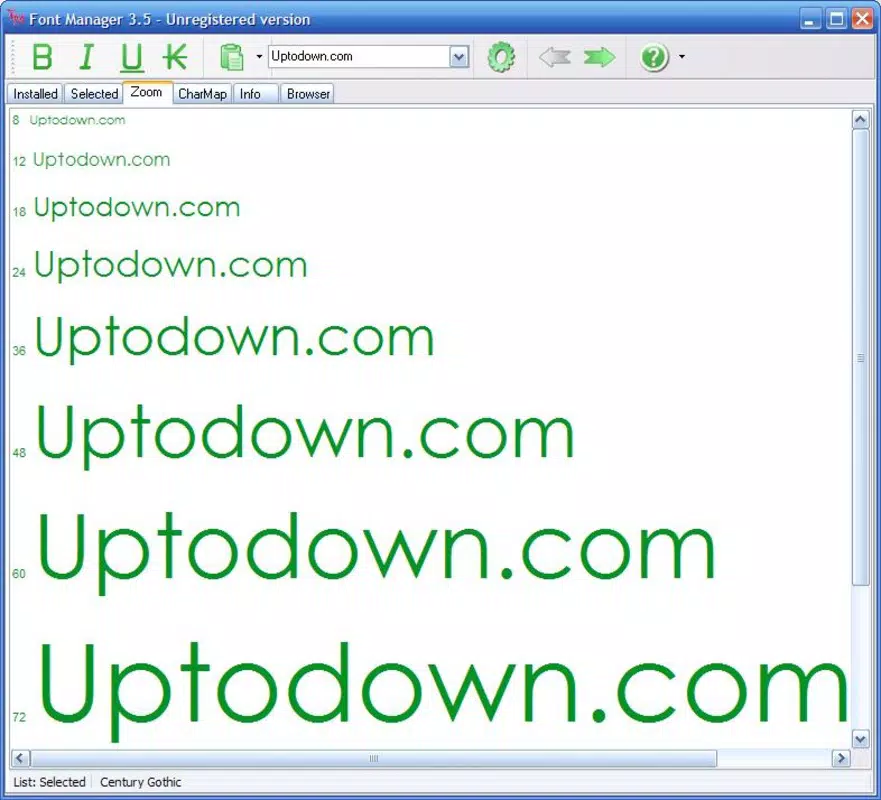
- Real-Time Preview: Typing any text triggers an instant preview across all fonts, allowing users to assess readability, spacing, and aesthetic appeal in context.
For example, a social media manager can type a campaign slogan and instantly compare how it looks in serif, sans-serif, and display fonts. A student creating a presentation can test different typefaces to match the tone of their content. These practical use cases highlight how Font Manager serves as a functional tool within creative workflows.
Interface, UX & Performance
The app features a clean, minimalist interface that prioritizes content visibility. Fonts are displayed in a list format with sample text rendered in each typeface, allowing users to assess visual characteristics at a glance. The navigation is linear and consistent, with minimal taps required to access previews or sorting functions. This contributes to a smooth user experience, particularly on devices with smaller screens.
Although the developer did not list formal performance metrics, the app’s design suggests optimized rendering for responsive performance. Users can expect stable operation across various device categories, including smartphones and tablets. The interface remains responsive even when managing large font libraries, indicating efficient memory handling.
Stability appears to be a design priority, as the app has maintained functionality since its initial release over a decade ago. No reports of crashes or freezes were mentioned in the provided data, though real-world user feedback was not included. Overall, the UX is focused on clarity and speed, aligning with the needs of users seeking a no-frills font utility.
Platform Compatibility & Technical Requirements
Font Manager is available on Android, supporting the platform as specified. The app’s software version and file size were provided, but specific minimum OS requirements were not listed. Compatibility with older Android versions cannot be confirmed, and users are advised to verify device compatibility before installation.
The app’s file size is moderate, suggesting it is lightweight and does not require extensive storage space. No additional system permissions or hardware dependencies were disclosed. The developer did not specify whether the app supports iOS or other platforms, so availability is currently limited to Android devices.
Pros and Cons
Pros
- Simple, intuitive interface with no learning curve
- Real-time text preview across all installed fonts
- Flexible sorting by name, style, or installation date
- Efficient for managing large font collections
- Lightweight and stable performance
Cons
- Developer did not provide detailed technical specifications
- Compatibility with older Android versions is unclear
- No information on iOS or cross-platform availability
- Missing advanced features like font categorization or tagging
- No official update history or release notes provided
FAQ
Is Font Manager available for iOS devices?
The developer did not specify whether the app is available on iOS. Based on the provided information, it is currently confirmed for Android only.
Can I install Font Manager on older Android devices?
Specific compatibility requirements were not listed. Users should check their device’s OS version against the app’s version to determine suitability.
Does Font Manager require internet access?
No internet connection is required for core functionality. The app operates locally using installed fonts, ensuring privacy and offline usability.
Is Font Manager free to download and use?
The app’s price was provided, but the exact cost is not specified in the input. Users should refer to the official store listing for current pricing details.
How often is Font Manager updated?
Update frequency was not disclosed. The developer did not provide release notes or version history for the app.
Final Thoughts
Font Manager remains a dependable tool for users who need to manage their font libraries efficiently on mobile devices. Its clean interface, real-time preview system, and flexible sorting options make it a practical choice for designers, students, and content creators. While it lacks advanced organizational features and detailed technical disclosures, its core functionality is well-executed and focused. The app’s longevity speaks to its reliability and consistent performance. For anyone seeking a no-nonsense font management solution on Android, Font Manager delivers tangible value without unnecessary complexity.
Download Font Manager now


